Guide
Why is there no Challenge Code?
If you have installed Rencore Code (SPCAF) on a Windows VM and the Challenge code is missing when attempting to activate the license, as shown below:
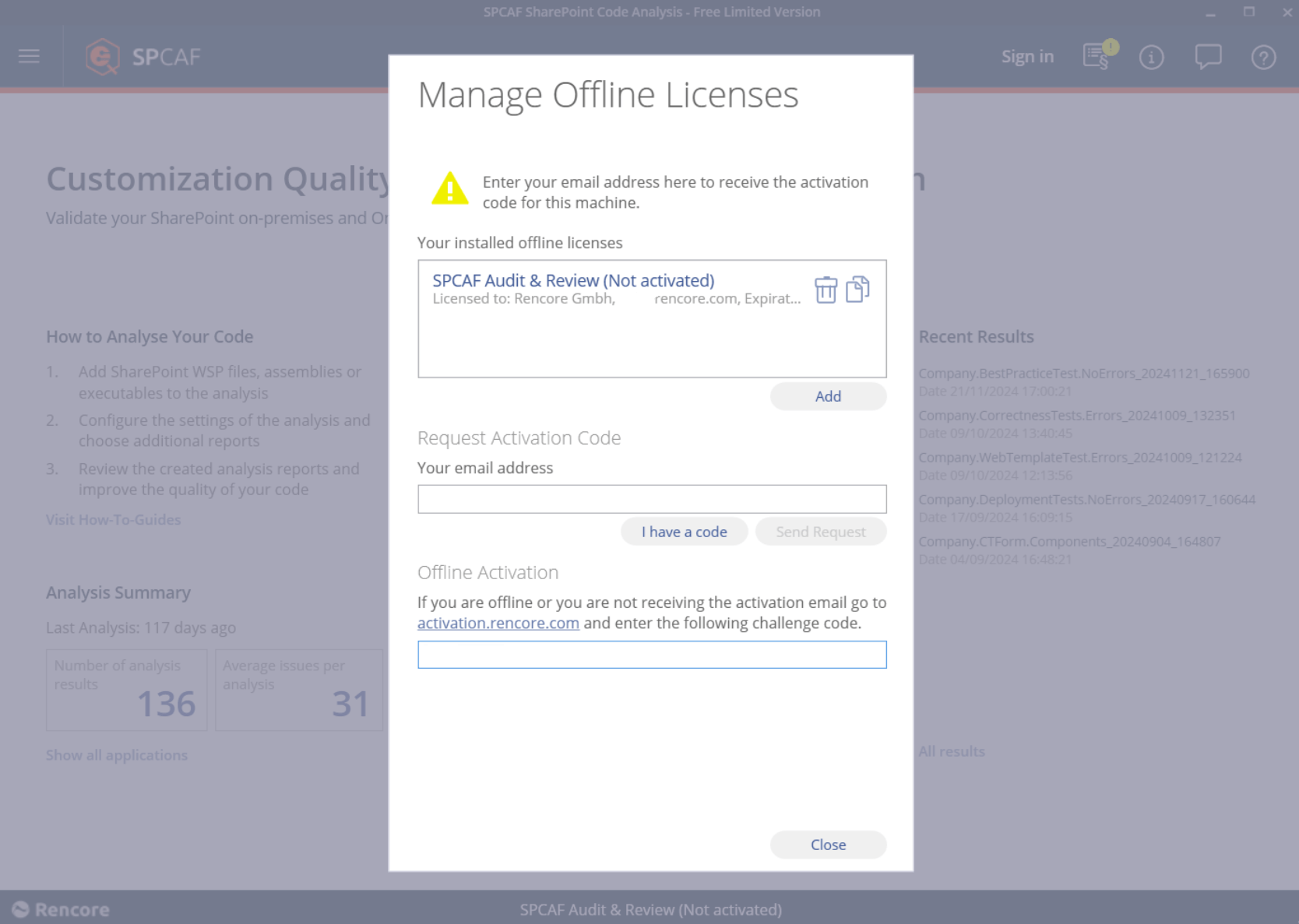
An entry in the registry causes this issue: “Computer\HKEY_LOCAL_MACHINE\SYSTEM\CurrentControlSet\Control\Lsa\FipsAlgorithmPolicy”. To verify and disable this setting, follow these steps:
-
Press the Windows key + R
-
Type “Regedit”.
-
Press “Enter”.
-
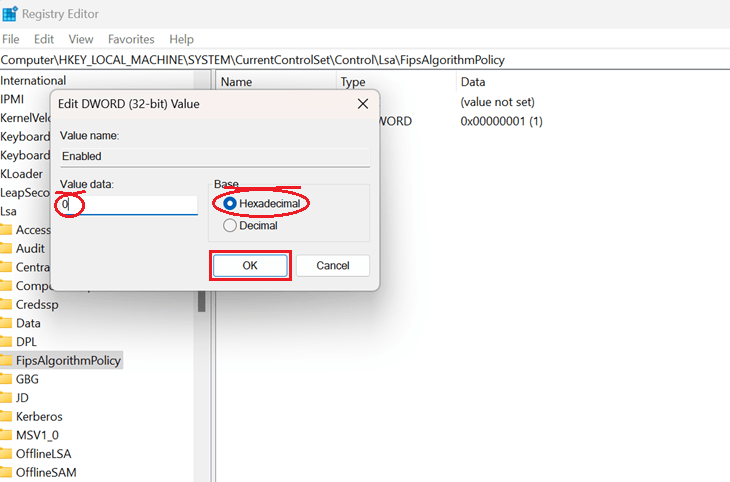
Navigate to “Computer\HKEY_LOCAL_MACHINE\SYSTEM\CurrentControlSet\Control\Lsa\FipsAlgorithmPolicy”.
-
Double-click on “Enabled” to edit it.
-
Make sure that “Hexadecimal” is selected.
-
Set the value from “1” to “0”.
-
Click “OK”.
-
Reboot the Virtual Machine.
Once the machine is operational, try activating the Rencore Code (SPCAF) again; this time, the challenge code will be present.