Guide
Install spcaf
Note: Before the installation, please make sure to close all running instances of Visual Studio. The setup cannot proceed if Visual Studio is running. Also, make sure that your system meets the system requirements.
To install the SPCAF Client Application you will need to:
- Download the Rencore.Code.SPCAF.zip from our downloads.
- Run the setup application (e.g. “Rencore.Code.SPCAF.Setup.msi”).
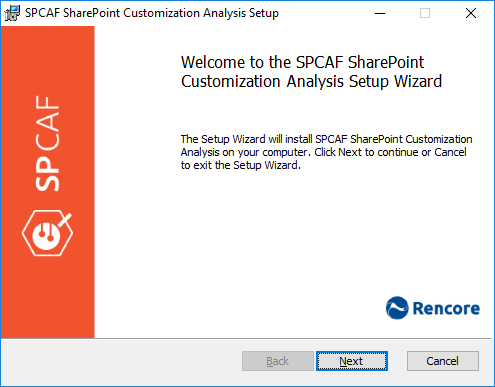
- Follow the instructions by clicking “Next” to advance.
- In order to proceed, you need to accept the end-user license agreement.

- By default, SPCAF will try to install to “C:\Program Files(x86)\Rencore\SPCAF\”. If you want to use a different location enter it in the field or click the [Change…] button and select your desired folder.