Guide
Export my Results to PDF or DOCx
So you have analyzed your project but now you need to distribute the results to people who do not have access to SPCAF, as such you will need to create a PDF or DOCX report which you will need to do when setting up the analysis.
Producing PDF or DOCx reports in SPCAF Client
-
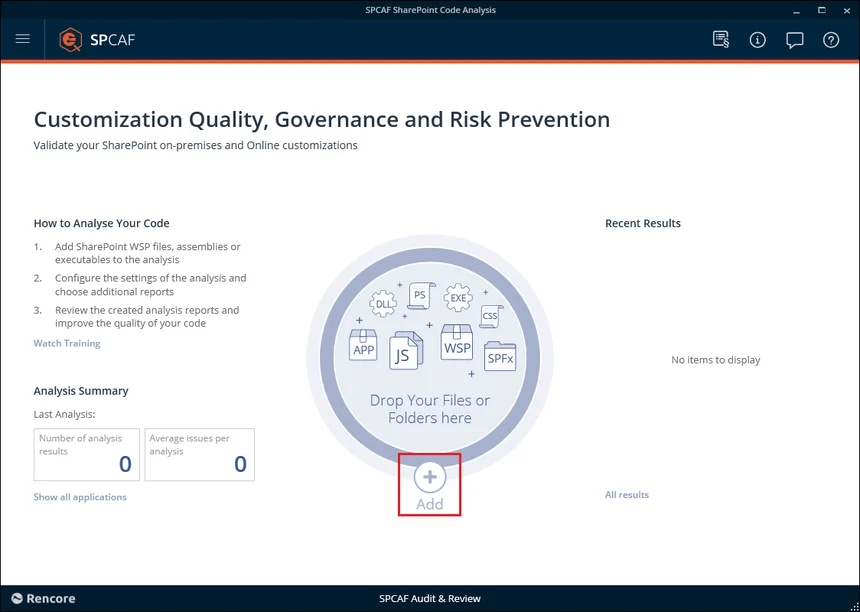
To create a report in PDF or DOCX you will need to select the project you wish to analyze as per normal.
-
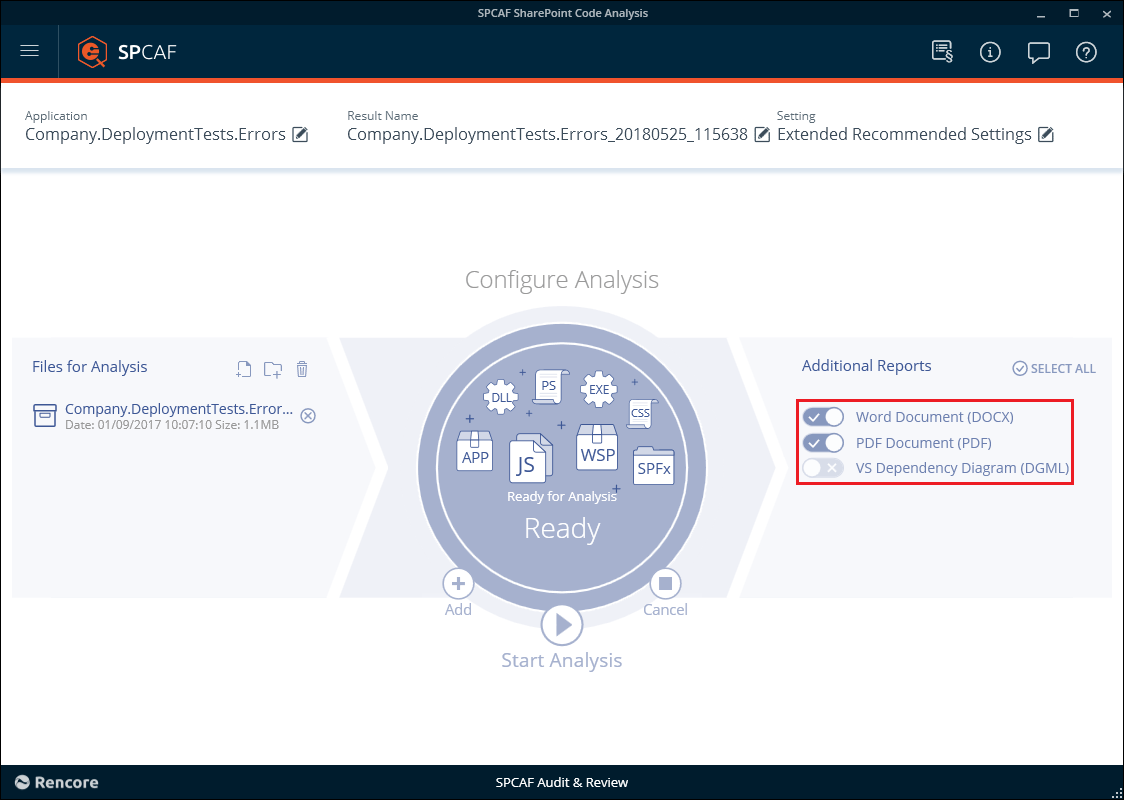
On the “Configure Analysis” screen select the “Additional Reports” you require.
-
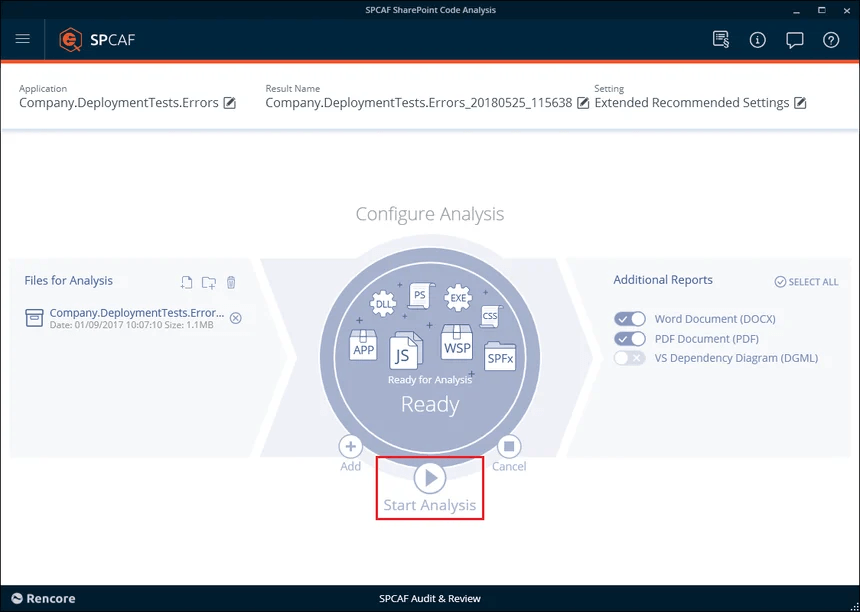
Run your analysis as normal.
-
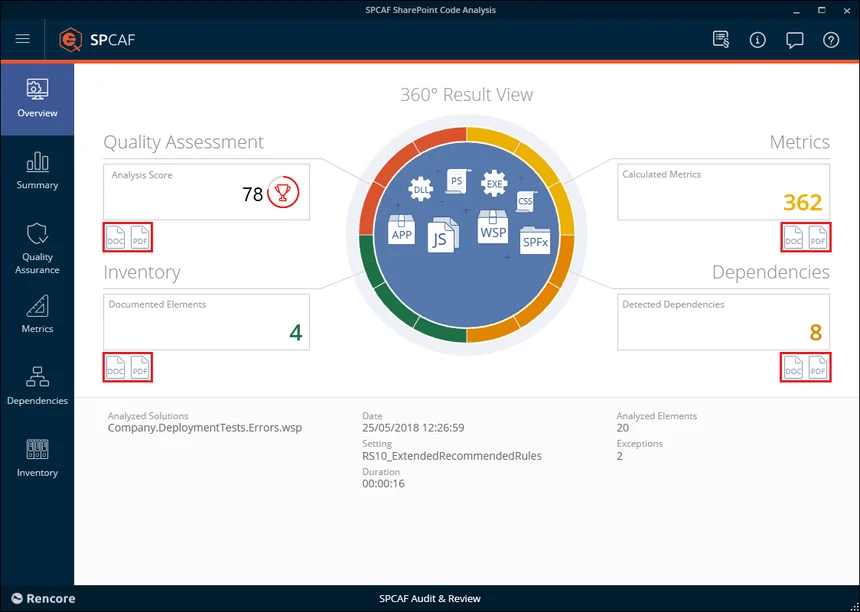
Once the analysis is complete, click either the PDF or DOCX icon below the report section on the “Overview” screen to open your report.
-
You need to save it to your chosen destination before distributing it.