Guide
SPCAF Installation Failed Because the Certificate Has Expired
If your system prevents you from installing SPCAF due to an expired certificate.
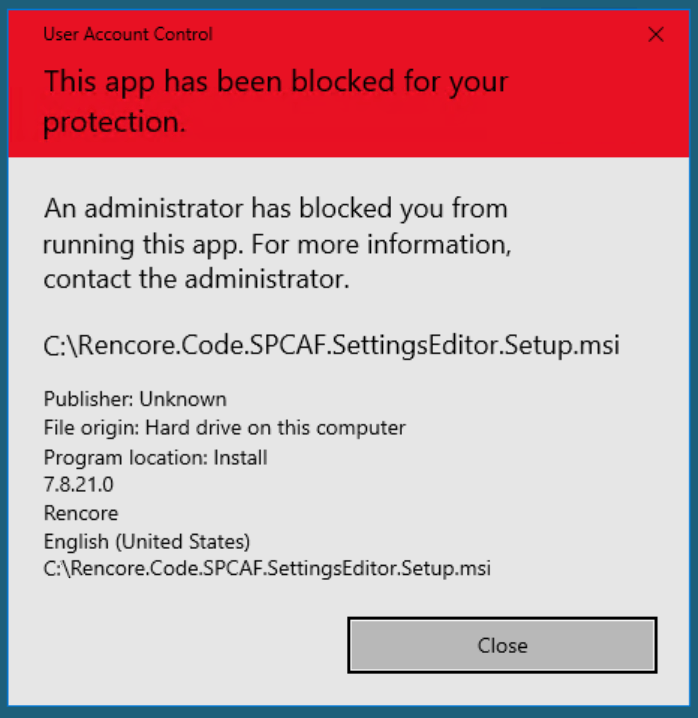
You will need to:
-
Click on Start.
-
Right-click on “Command Prompt” and click “Run as Administrator”.
-
Navigate to the “Rencore.Code.SPCAF.Setup.msi” file.
-
Type the name of the .msi file and press <Enter>, which will trigger it to run.
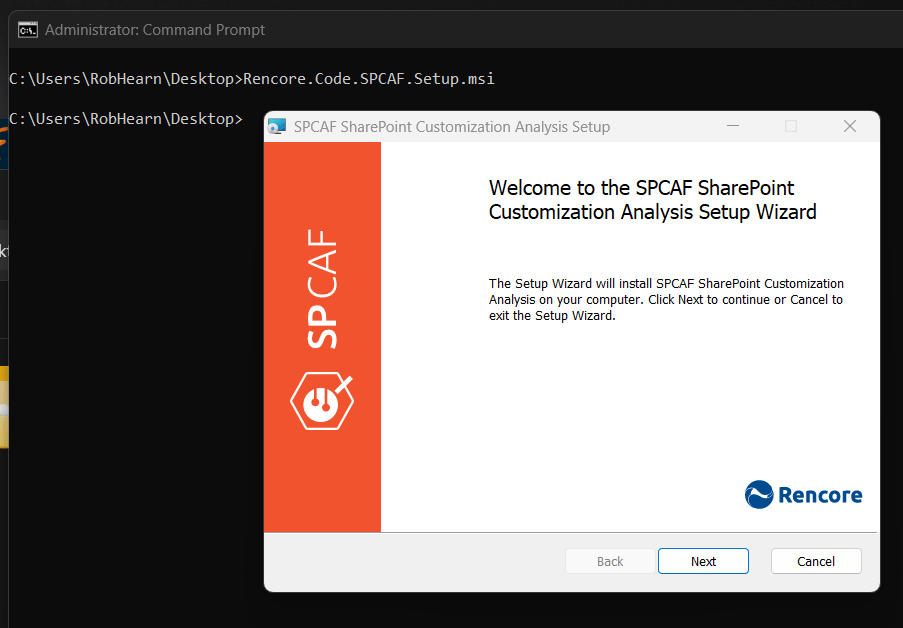
-
Continue the installation as per the knowledge base article: Install SPCAF.