Guide
Why Am I Seeing an SPCAF Error After Analysis?
SPCAF has various points in the analysis: 0-84% analyzing the solution, 85-94% creating Reports, and +95% tidying up temp files and displaying the reports. Under certain conditions, the tool runs into an error after the analysis is complete, as shown below:
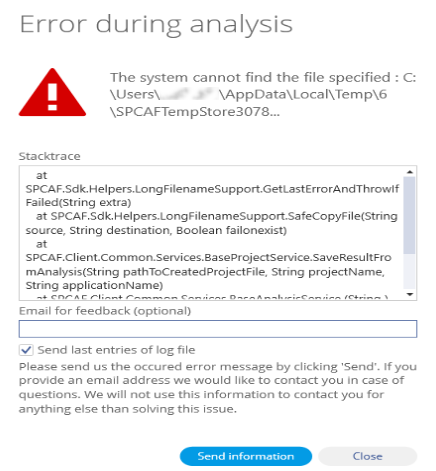
If you encounter this error, make sure that there is no Anti-Ransomware software blocking SPCAF from accessing the temp folder. including the default Ransomware Protection in Windows Defender.
Windows Ransomware Protection
- Click on Search and type “Ransomware” and select “Ransomware Protection”.
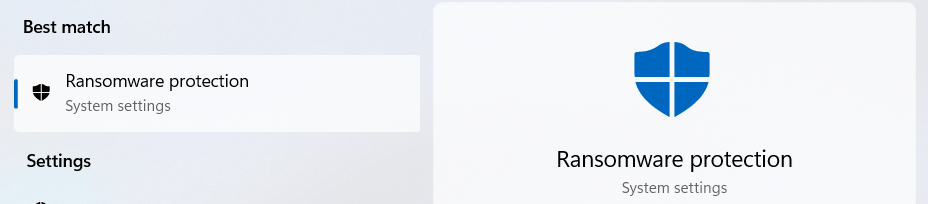
- Click “Allow an app through Controlled folder access”.
- Click “+Add an allowed app” and select “Browse all apps”.
- Navigate to “Program Files (x86) > Rencore > SPCAF”.
- Select “Rencore.SPCAF.Client” and click “Open”.